Direct answer
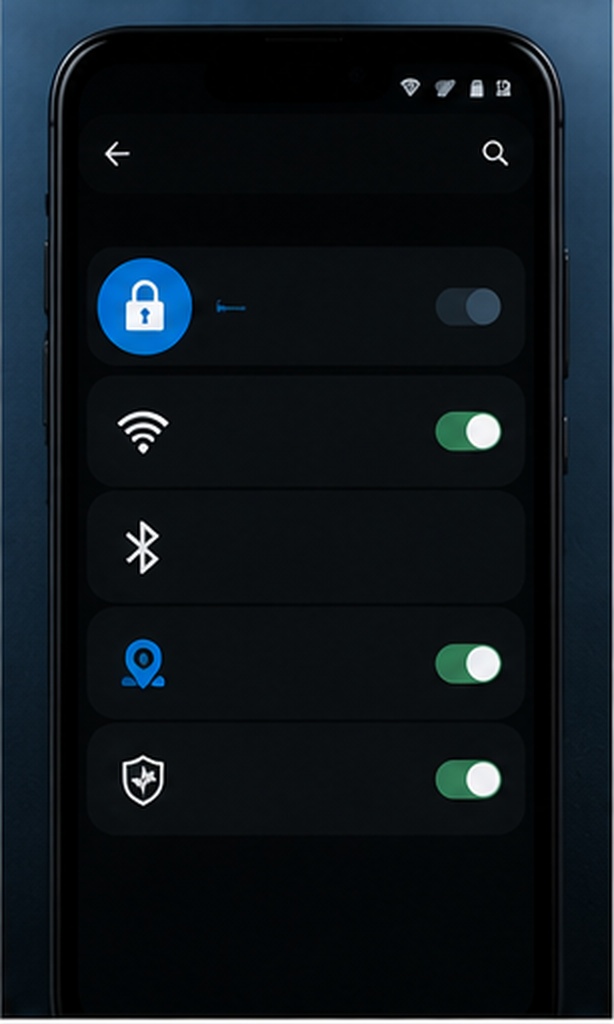
On Android, Google documents its control under Settings › Google › More › Usage & diagnostics, though paths vary on customized devices. Samsung-related consent may appear during setup, in Samsung account or privacy settings, or inside Samsung Members. Use Settings search for “diagnostic” or “usage data” when the path differs.
Change and verify
- Record the current switch state and the name of the service.
- Open the linked privacy notice before changing consent.
- Turn only the intended control on or off.
- Restart Settings and confirm the choice persisted.
- Remember that app-specific analytics and essential services are separate.
Turning it off should not block core updates
Google says Android devices can still receive essential services such as a new Android version when usage and diagnostics is off. This control also does not stop information that other apps may collect under their own permissions and policies.